
About the project
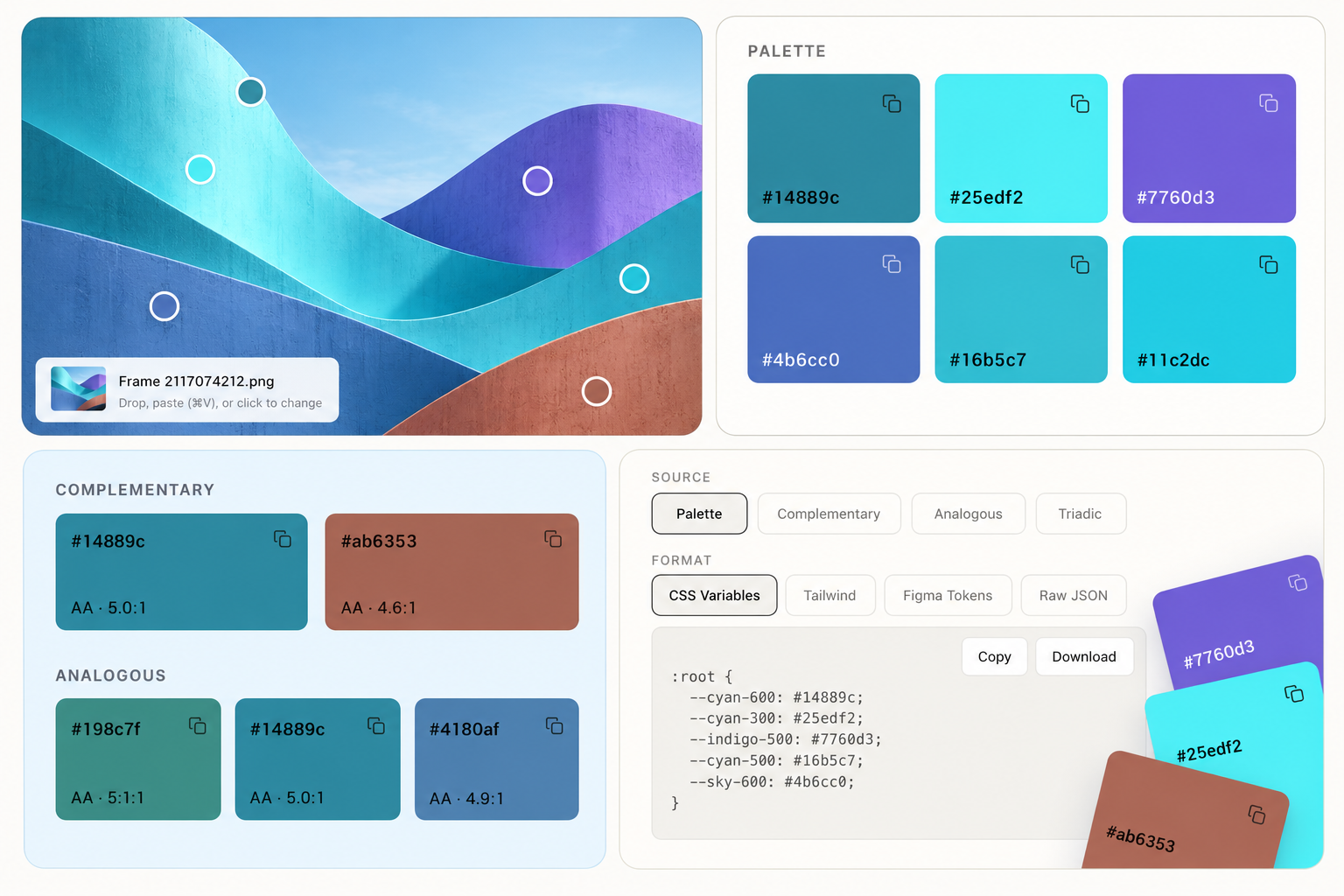
Color Palette Generator is a tool for pulling a usable color system out of an image. Drop in a screenshot, a photo, or a UI frame and it extracts the dominant colors, names them on a familiar scale (cyan-600, indigo-500), and turns them into tokens you can paste straight into a project. Colors aren't just extracted — pick any swatch as the base and the tool derives complementary, analogous, and triadic sets from it. Every derived color is checked for contrast, so you know what passes AA before you use it for text.
How to use it
- Image — drop, paste (⌘V), or click to change it. Everything recalculates from the new image.
- Palette — the colors found in the image. Click a swatch to make it the base for the harmonies below; the icon in the corner copies the hex.
- Complementary / Analogous / Triadic — sets derived from the base color. The label on each card is its contrast ratio, so you can tell at a glance which ones are safe for text.
- Source — choose what gets exported: the raw palette, or one of the harmonies.
- Format — CSS Variables, Tailwind, Figma Tokens, or Raw JSON.
- Copy / Download — take the tokens as text, or as a file.