
Introduction: the story of an “ideal” launch
In one of our recent projects, we were preparing a marketing landing page for a major campaign. The design was polished down to the pixel: smooth animations, brand colors, modern typography. The team was proud of the result.
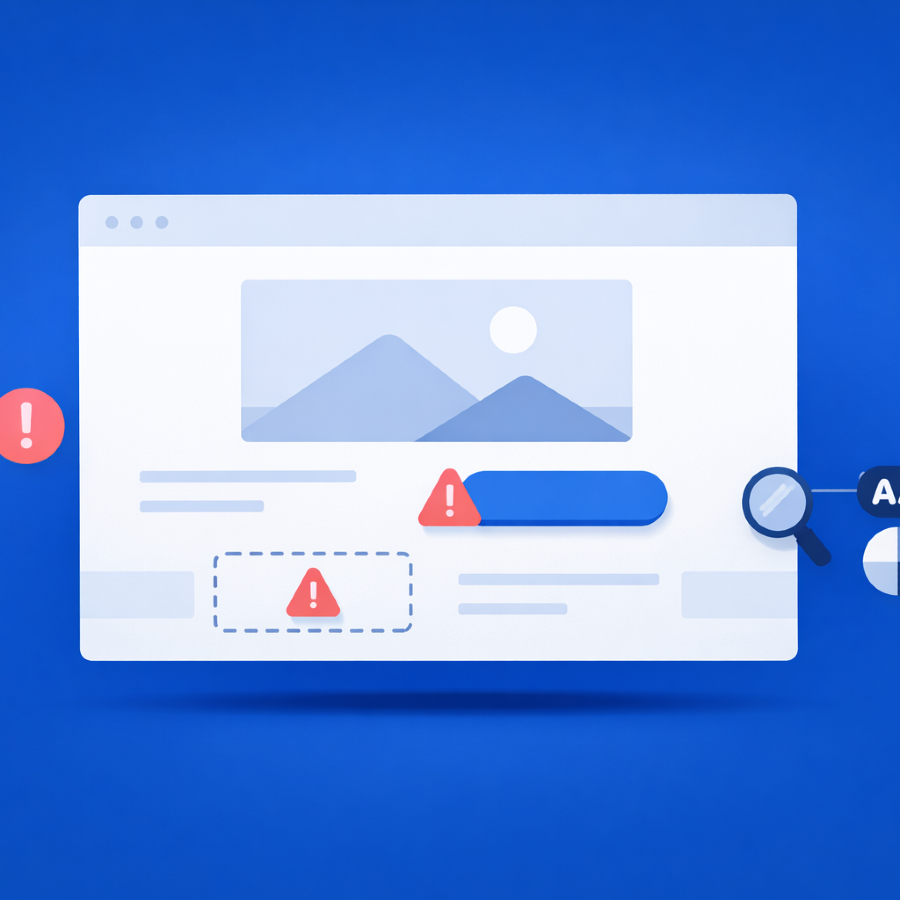
But one day before launch, we ran Pa11y. The “perfect” site revealed 22 critical accessibility issues:
1. The CTA button “Buy now” failed contrast checks
2. Several images without alt attributes broke the screen reader flow
3. Keyboard navigation got stuck in the subscription form
Had we missed this step, users with disabilities wouldn’t have been able to complete the journey from banner to purchase. Fixing the issues took only a few hours, but the impact was huge: the site became accessible, and the campaign was a success.
And this is not unusual. According to WebAIM’s 2024 Million report, 95.9% of home pages had detectable WCAG 2 failures. We’ve seen firsthand that this isn’t abstract data — it’s the reality of almost every project.
That’s why we believe accessibility should be tested as systematically as performance and security.
What is accessibility testing?
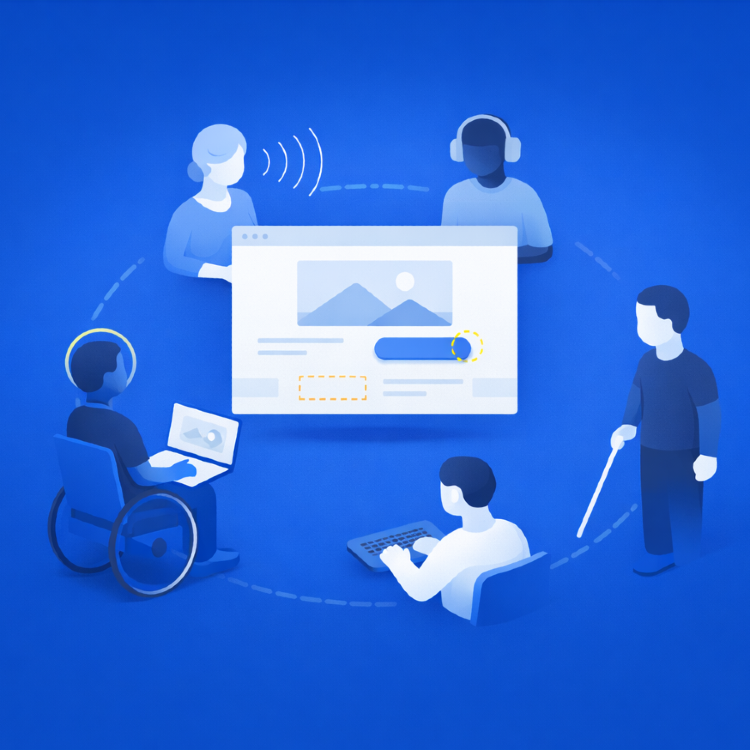
Accessibility (A11y) means building websites that are usable for everyone — including people with visual, auditory, motor, or cognitive impairments.
The foundation is the WCAG 2.1 standards (levels A/AA), which boil down to three principles:
- Perceivable - alt text, sufficient contrast
- Operable - keyboard navigation, focus states
- Understandable - structured headings, ARIA attributes
QA teams are uniquely positioned to embed these checks directly into the workflow — and make them a default part of product quality.
Why automation matters
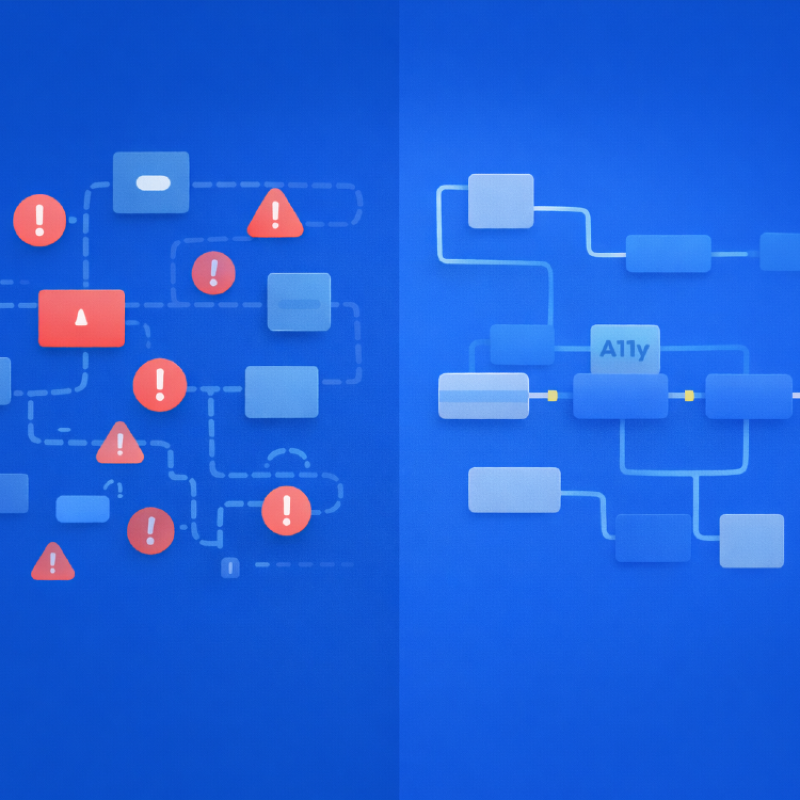
Without automation, teams face three recurring problems:
- Repeated mistakes - designers create “trendy gray” text, QA flags it manually again and again.
- High cost - manual audits take hours, so they’re often skipped.
- Too late - issues surface only after launch.
Tools like Pa11y and axe-core can automatically catch many common accessibility issues and can be integrated into CI/CD so builds fail before accessibility bugs reach production.
Pa11y: quick audits in three lines
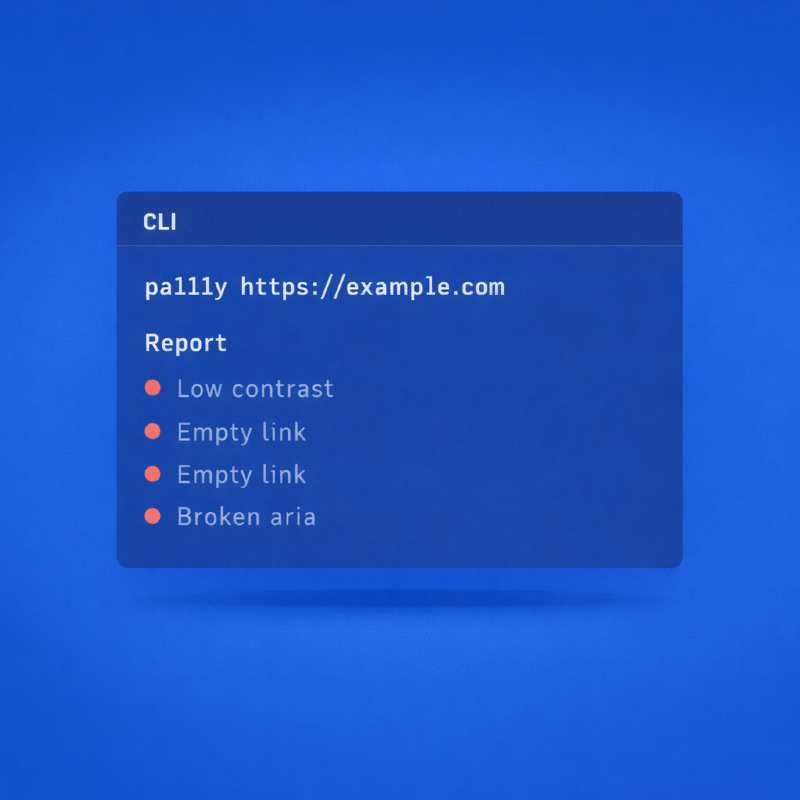
Pa11y is a CLI tool for rapid accessibility checks.
Installation
npm install -g pa11yRun
pa11y https://example.comThe result is a list of issues: low contrast, empty links, broken ARIA attributes.
Running Pa11y is easier than making coffee. But the value it provides is far greater.
We use Pa11y when we need to:
- Check a landing page before launch
- Compare multiple page versions
- Share a clear HTML/JSON report with stakeholders
Axe-core: the engine for deep integration
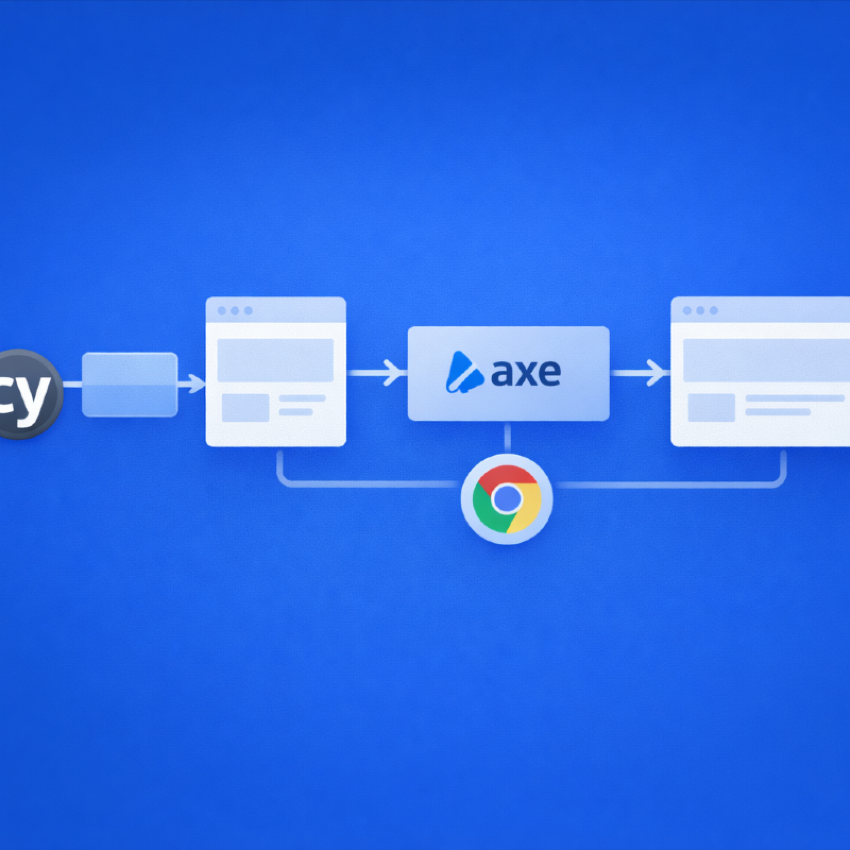
Axe-core, built by Deque, has become the industry standard. It powers Lighthouse, Cypress plugins, Storybook, and even Chrome DevTools.
Example with Puppeteer
const { AxePuppeteer } = require('@axe-core/puppeteer');
const puppeteer = require('puppeteer');

(async () => {
  const browser = await puppeteer.launch();
  const page = await browser.newPage();
  await page.goto('https://example.com');
  const results = await new AxePuppeteer(page).analyze();
  console.log(results.violations);
  await browser.close();
})();
Example with Cypress
import 'cypress-axe';

it('Homepage should be accessible', () => {
  cy.visit('/');
  cy.injectAxe();
  cy.checkA11y();
});
Axe-core feels at home inside your e2e tests. It checks accessibility while you validate business logic.
Pa11y vs axe-core: a practical comparison
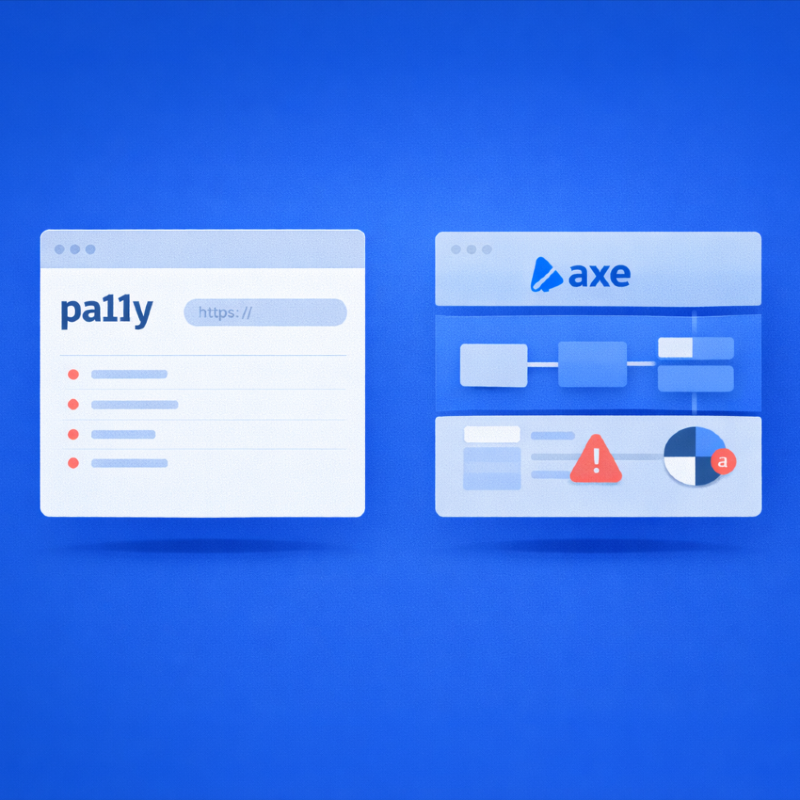
Pa11y vs axe-core
| Criteria | Pa11y (CLI) | axe-core (library) |
|---|---|---|
| Input | URL | DOM via Puppeteer, Cypress, Jest |
| Setup | npm install -g pa11y |
npm install @axe-core/... |
| Output | JSON / HTML reports | JSON, fully customizable |
| Best for | Quick audits, non-technical QA | CI/CD, DevOps, component testing |
| Limitations | Less flexible | Requires coding and integration |
Our experience: Pa11y is perfect for marketing teams and fast smoke audits, while axe-core fits product teams that need fine-grained, component-level control.
Other tools: Lighthouse and WAVE
To complete the picture, let’s mention two more tools:
Lighthouse — built into Chrome DevTools. Audits accessibility, SEO, and performance. Great for quick manual checks, but in CI/CD it often feels like a “big hammer” rather than a precise accessibility scanner.
WAVE — a browser extension popular with designers and content editors. It highlights issues directly on the page, but focuses more on visual audits than automation.
Takeaway: Lighthouse and WAVE are useful supplements, but Pa11y and axe-core give QA teams the ability to integrate accessibility into CI/CD pipelines.
Integrating into CI/CD
GitHub Actions + Pa11y
name: Accessibility
on: [pull_request]
jobs:
  pa11y:
    runs-on: ubuntu-latest
    steps:
      - uses: actions/checkout@v2
      - run: npm install -g pa11y
      - run: pa11y https://staging.example.com
Cypress + axe-core
describe('Accessibility checks', () => {
  it('Main page', () => {
    cy.visit('/');
    cy.injectAxe();
    cy.checkA11y(null, { includedImpacts: ['critical'] });
  });
});
We often configure rules so that the build fails only on critical issues. That way, teams can raise the bar without blocking releases over minor violations.
Real-world cases
Marketing landing page - Pa11y flagged a contrast issue with the CTA button “Buy now.” Fixing it before launch helped prevent a visible usability problem.
Product website - axe-core was integrated into Cypress to check critical flows on every PR. This helped teams catch accessibility issues earlier in the delivery process.
Enterprise portal - axe-core validated React components inside Storybook, so issues could be addressed before components reached production.
Automation ≠ everything
Pa11y and axe-core can catch common accessibility issues early, but manual testing is still essential:
Screen reader validation (NVDA, VoiceOver)
Keyboard navigation
Dynamic content like modals or carousels
We use a hybrid approach: automation + manual sessions. This not only improves quality, it helps teams experience the product from the user’s perspective.
A QA team checklist
- Run Pa11y on your homepage
- Add axe-core to your e2e tests
- Configure CI to fail builds on critical issues
- Share Pa11y reports with designers and managers
- Run manual keyboard and screen reader tests once per sprint
Conclusion
Accessibility is not a barrier - it’s a competitive advantage.
For businesses, it expands the audience and reduces legal risk; more than 4,000 ADA-related lawsuits were filed in the U.S. in 2023 alone. For designers, it means creating products that genuinely work for everyone. For QA, it is an opportunity to move beyond simple bug catching and take ownership of product-level quality.
Tools like Pa11y and axe-core make accessibility practical and actionable at every level of experience. A junior engineer can run a first audit in under a minute, a mid-level specialist can integrate automated checks into Cypress or Playwright, and a senior can transform those checks into a scalable CI/CD process embedded in the delivery pipeline.
Try it today - run pa11y yoursite.com. If your site is only “perfect” at first glance, you will know immediately, and you will be the one turning accessibility from a checkbox into a true strategic advantage.
Feb 6, 2026

Drives the technical vision at Ramotion, uniting engineering excellence with design innovation to deliver scalable, secure, and user-focused digital solutions.