
Do you know that the no-code website market is booming? According to recent statistics, it is expected to hit staggering $6.56 billion in revenue this year, promising to push the limits even further with AI assistance.
Taking the World by storm less than a decade ago, no-code website builders made the complex task of developing a web page relatively simple for non-tech-savvy people. They opened golden opportunities to accelerate time-to-market and minimize development costs, providing business owners with essential functionality to give their products, ideas, and companies the exposure they need.
Let's dive a bit deeper into the types of no-code website builders, use case scenarios, key factors to compare and contrast them effectively, and the best no code tools in 2026.
What Are No-Code Website Tools?
No-code website builders are intuitive, user-friendly, yet functionality-rich online systems that allow non-tech-savvy users to craft and publish websites. From designing the appearance to adding basic functionality to enriching the overall experience with interaction elements, they let users realize their ideas through a visual drag-and-drop interface without writing a single line of code.
Three core features of no code tools are
- a visual editor for shaping ideas with graphical elements,
- ready-made templates that can be used right away,
- and a range of handcrafted, pre-styled components and integration plugins that enrich the user experience.
No code platforms stand apart from low-code solutions and traditional development cycles. Although they are unable to solve complex problems like building communities or a strong branded website (for this, check out the best agencies for custom website development), their ability to craft landing pages, corporate websites, or mobile apps in real time, as well as give control over idea creation, meets the relevant needs of businessowners across niches.
Types of No Code Tools for Websites and Web Applications Development and Launch
No code tools for building websites and mobile apps share the same philosophy and have three core elements: a visual editor, ready-made templates, and pre-styled components. However, they are not created equally. Many of them pursue a certain goal, providing clients with a specific set of instruments. For instance, if you need a web page, a traditional website builder is the ultimate choice; but if you need to launch an MVP, a landing page builder is the best fit.
Here are five main categories.
Website builders
Website builders are traditional no code solutions that have been with us for ages. They have become more complex, but at their core, they remain the same visual editors with basic functionality for creating small-business sites, startup presentations, blogs, and simple web projects. They offer clients pre-designed templates and a handy interface to adjust those layouts and styles to meet their needs and preferences.
Website builders are quick solutions that save time, money, and resources, but they have certain cons. For instance, they are deprived of complex functionality that allows connecting your website to a database and manipulating users' data. Plus, they are limited in style, resulting in generic, typical solutions.
Web app builders
Website builders and web app builders are often confused, but they are not the same thing. While the former provides a template-based way to create websites in real time, the latter allows users to build more complex web projects from scratch.
As a rule, web app tools offer ready-to-use UI elements such as buttons, forms, tables, sliders, or grids to shape ideas and speed up the process. Some of them might even integrate with databases and include a simple authentication workflow, making them great starting points for crafting logic-heavy web projects.
CMS no code platforms
CMS no code platforms have one critical yet distinctive feature: they are powered by a content management system. Apart from providing a shell for the web project, they give clients a handy interface to control and manipulate the content without technical skills or experience.
The CMS-first approach might seem heavier and more complex than the previous two. Still, it proves its value when working with structured content such as collections, galleries, product categories, and editorial flows. It excels at meeting SEO goals, creating marketing and advertising campaigns, and managing branding efforts through publications.
Landing page builders
Landing page builders are specialized, interactive, no code platforms for crafting single-page websites and customized solutions that meet marketing needs and the target audience's preferences and expectations. They are the best at giving the product, service, or idea the necessary exposure.
Their distinctive characteristics include rapid publishing, low cost, a minimal learning curve, essential interactivity, data collection via forms, and conversion blocks. They are viable instruments for increasing audience reach, boosting new approaches, generating leads and traffic, and establishing a solid foundation for building the product and SaaS brand identity.
AI website builders
AI website builders are relatively new in the niche, but they have already occupied their place under the Sun. Powered by machine learning and language models, they bridge the gap between the client and development process, making website creation fast and simple. They save time, minimize the learning curve, and provide recommendations for finding a better solution to the problem.
In a nutshell, an AI assistant decodes the prompt and offers a ready-made solution with the working layout, copy, and sections. This saves a lot of time and resources but presents some challenges. For instance, clients still need to handle messaging, SEO, structure, interactivity, security, and some other aspects.
The Best No-Code Website Tools
The technology that lets non-tech-savvy users build websites with no code platforms has been around for ages. The market is teeming with different options from simple open-source solutions to complex premium ones. What to choose? Here are the 20 best no code tools that stand out from the competition for their popularity, flexibility, feature-richness, real-world fit, accessibility, intuitiveness, and time-proven track record.
Webflow
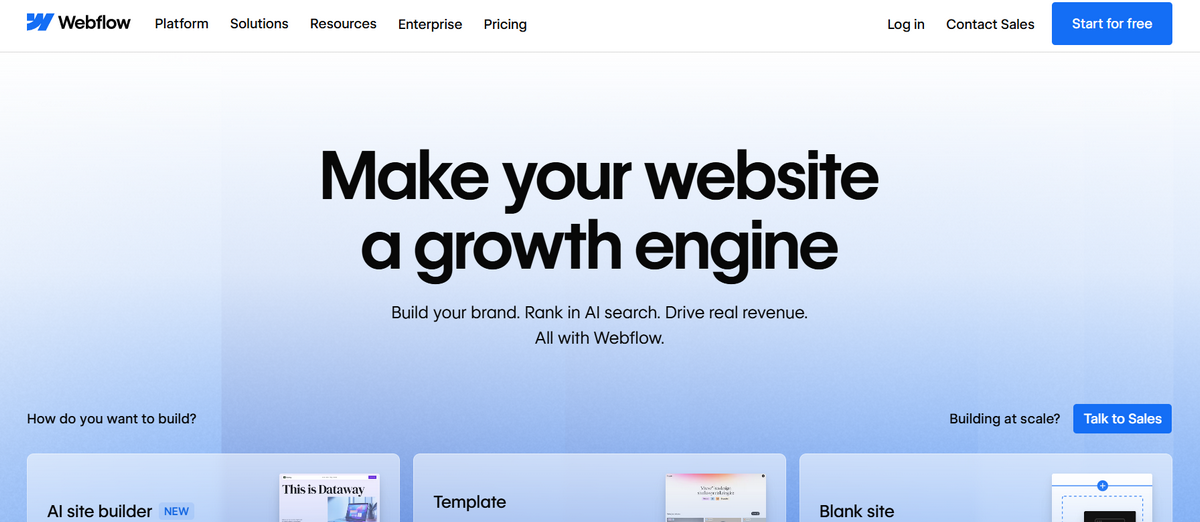
We start our list with some big names. The first one is Webflow, which is famous for its design freedom, powerful customization, effective development workflows, clean, semantic code, built-in security, and robust collaboration. It is a symbiosis of a no-code visual editor and a CMS that has everything you need to prototype and launch fully responsive websites. It is best suited for artists, small businesses, and startups.
Wix
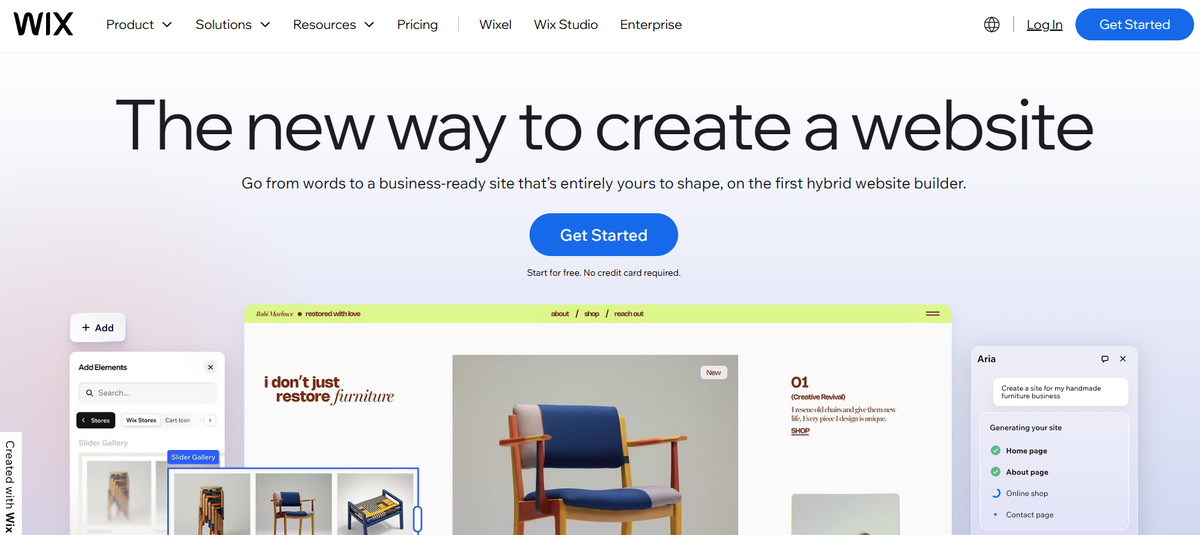
Wix is one of the most popular no code platforms for building websites, especially for beginners, local businesses, services, and simple e-commerce. Operating in the niche for ages, the solution provides clients with a quick, reliable, and high-performance start. Its extensive library has more than 2000 easily customizable templates, so you can find the option that fits your particular needs, requirements, and limitations. On top of that, it has AI-powered design tools that empower the process and further minimize the learning curve.
Squarespace
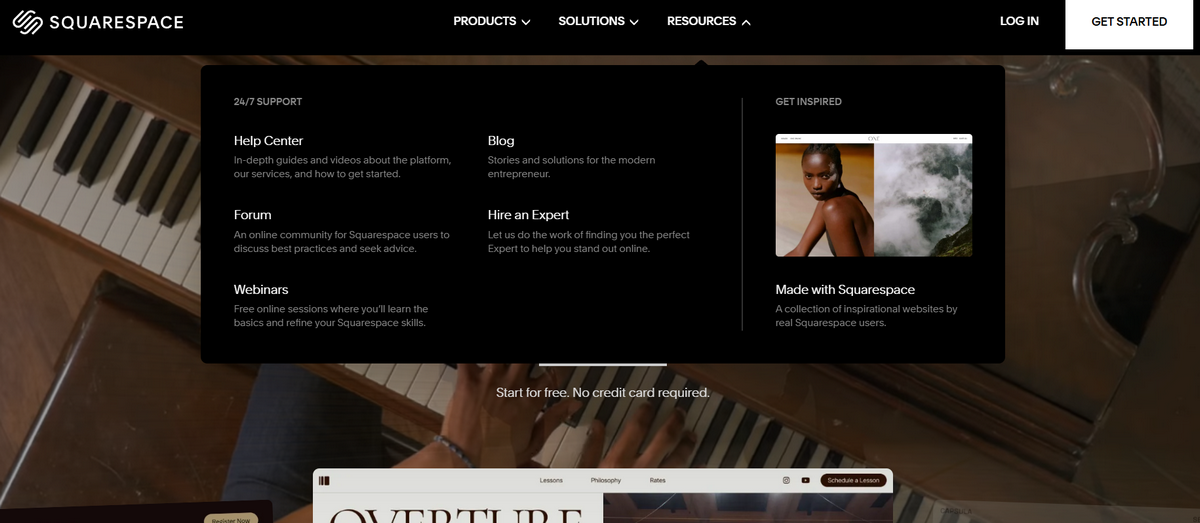
Squarespace is among the best no code tools for crafting web apps these days. It is known for its intuitive visual editor and polished, customizable templates. There are no more than 200 pre-designed layouts in the library, but their meticulous, handcrafted realization sets them apart from the competition, providing clients with a solid foundation for shaping their brand vision and meeting marketing goals.
Offering hosting at a reasonable price and quick deployment, Squarespace is a quick go for artists, startups, and small businesses that require minimal setup and "beautiful by default" solutions.
WordPress.com
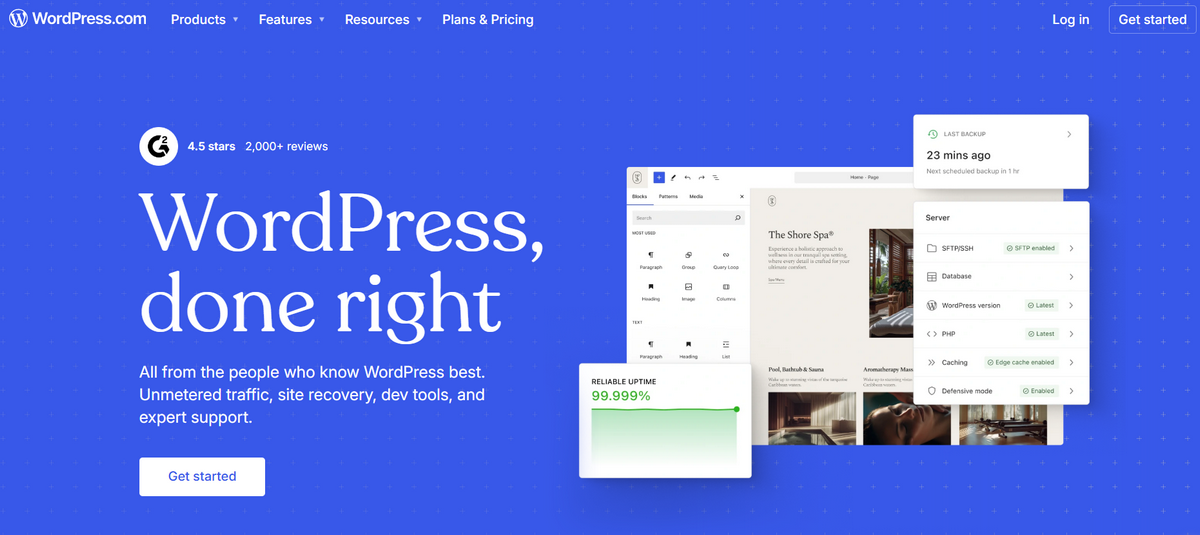
WordPress does not need an introduction. The philosophy of no-code website building originated with this feature-rich, yet user-friendly CMS. It is so popular that it powers over 800 million websites, holding a staggering 43.4% market share.
WordPress is one of the most reliable and viable no code platforms in the World. It comes with thousands of templates, hundreds of plugins, and a regularly updated core that allows it to bring any idea to life, from a simple blog to an e-commerce site with a payment system to a replica of social media.
Conversely, it is a bit heavy and might require certain coding knowledge, but it is a reliable, time-tested, and highly standardized solution for any problem you have.
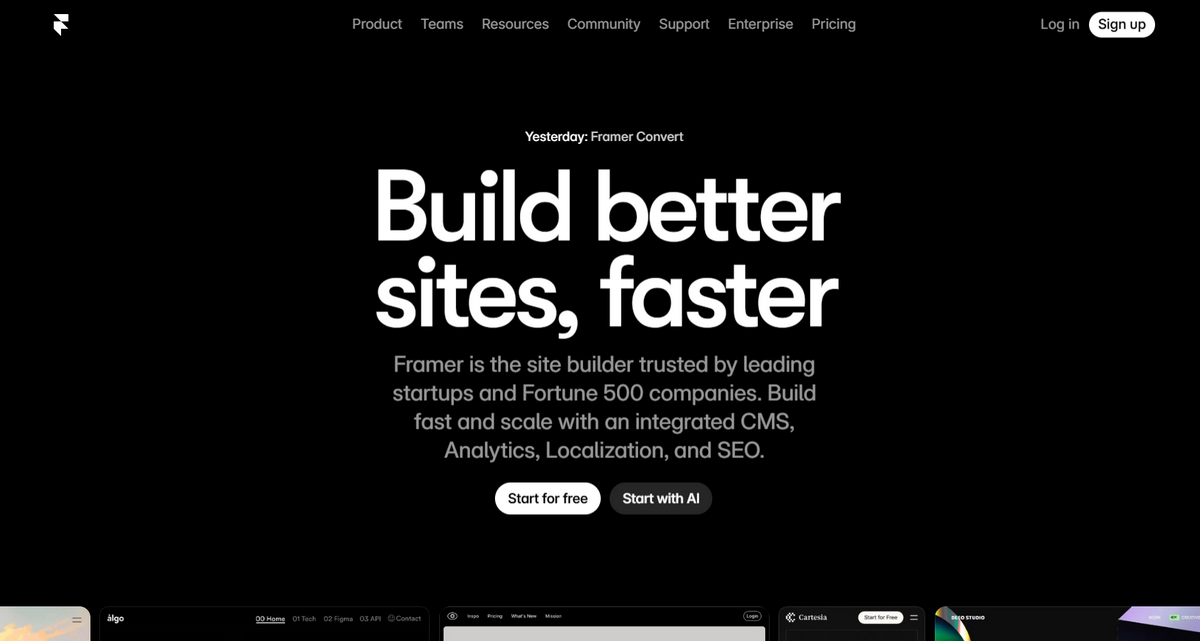
Framer
Framer is one of those no code platforms that has the potential not only to create but also to animate prototypes, thereby improving the overall user experience with meaningful transitions and engaging interactions. Among its main features are high performance, fast loading speed, and SEO-optimized structures. It is the best fit for product designers, startups, business owners, and solopreneurs who require a slick marketing site or small yet purposeful online project.
Bubble
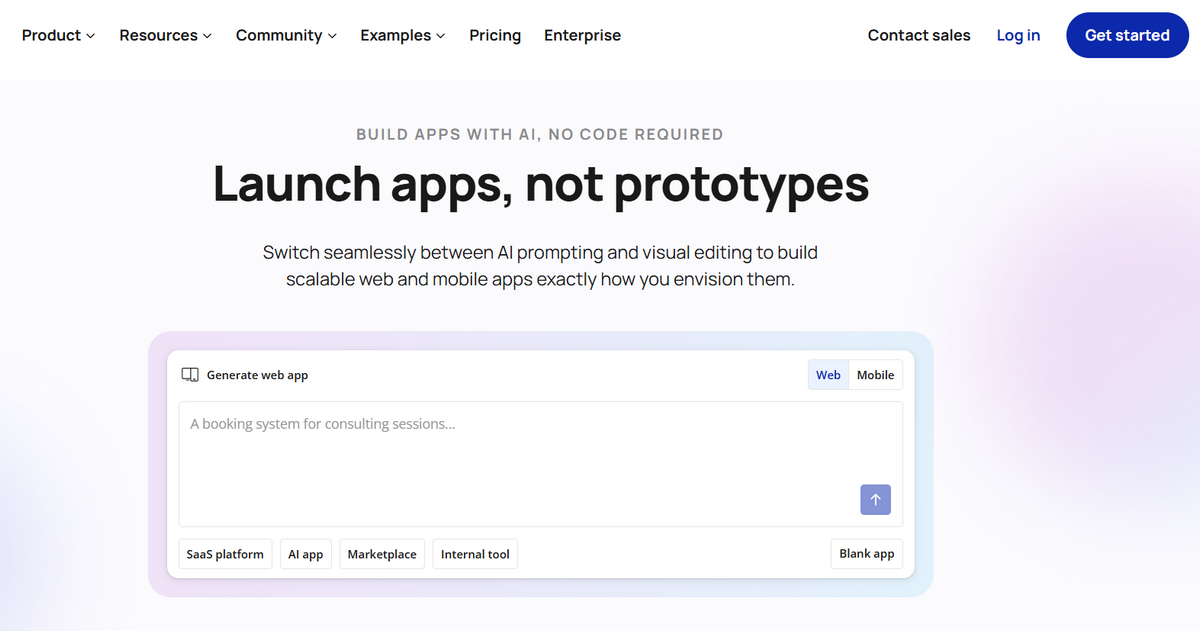
Bubble is all about rapid prototyping. It includes a database, logic, basic workflows, and a visual programming editor that lets users assemble fully functional web and mobile apps. It provides a full-stack environment for creating not only front-end but also backend applications, making it a great option for SaaS, functional Minimum Viable Products, and solutions that require custom functionality.
Built on the Amazon Web Services platform, it has over 8,000 plugins and is so flexible and extensible that it can easily integrate with other systems, such as Stripe or Google Maps.
Softr
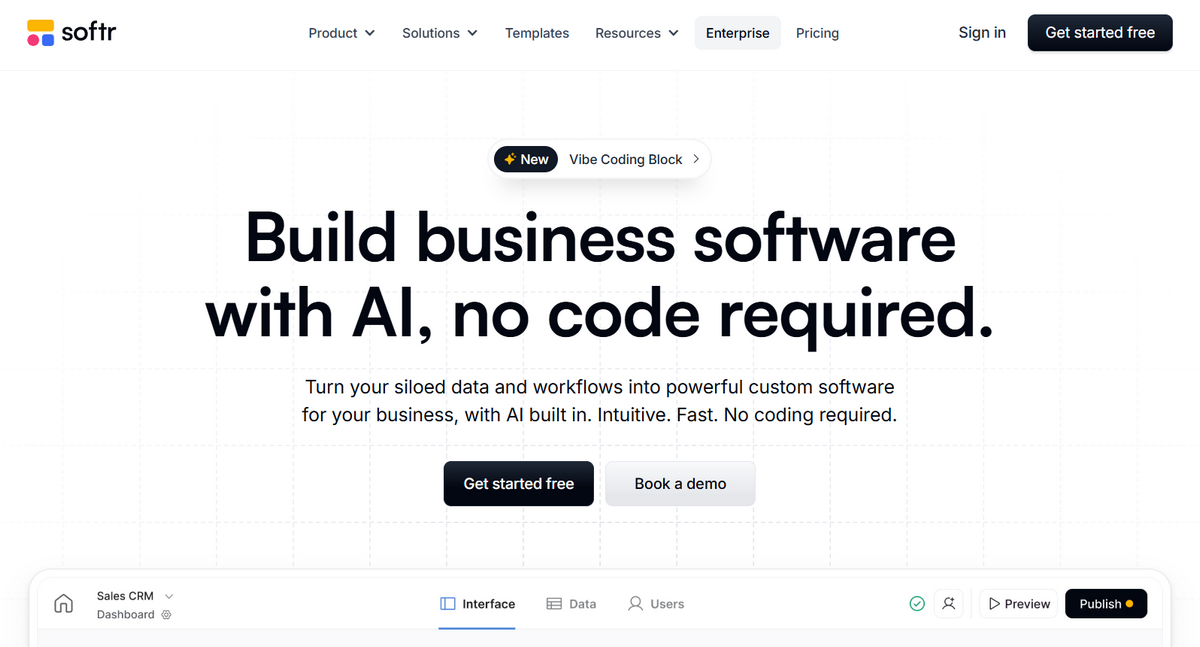
Softr is one of the professional no code platforms for building websites and mobile apps with a database at the core. Users can quickly export their data from Airtable, Google Sheets, Xano, and other sources into templates and create fully working, responsive, and feature-rich web prototypes in under one hour.
In addition to easy customization, Softr offers built-in user authentication, member-only content, basic security levels, and AI integration. It is a powerful tool for creating client portals, catalogs, directories, blogs, and internal tools.
Carrd
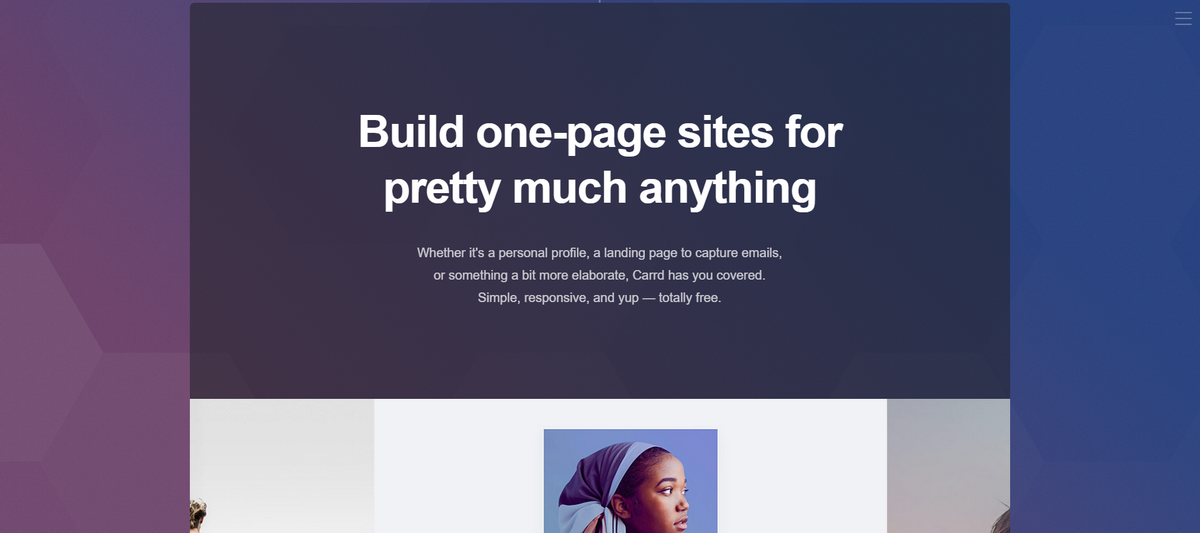
Carrd might be a new name in the niche, but it is already considered one of the best no-code website tools for startup launches. It is a highly specialized platform designed to meet the needs of marketing teams that require quick prototyping of MVP pages, landing pages, or single-page websites to draw attention to products or a brand. It is fast, effective, intuitive, and budget-friendly.
Along with the basic visual editor, it offers a range of ready-made templates tailored for various purposes, integral components, interaction units such as sliders and contact forms, and integrations with popular services.
Dorik
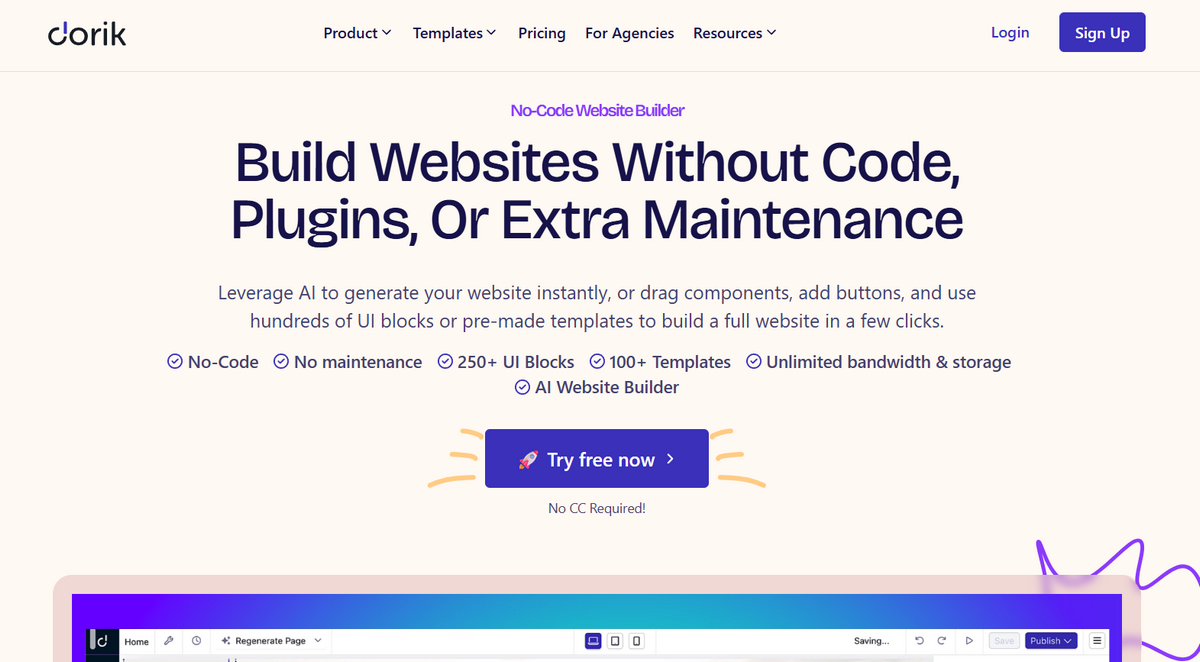
Dorik is among the small, yet powerful, no code platforms. While it cannot boast of the potential to realize all sorts of web projects or mobile apps, it certainly surprises you with its ability to create highly customizable, branded, and audience-tailored landing pages. It is perfect for marketing and advertising, as it takes no more than an hour to create a one-page website to promote a product, service, or brand.
Dorik also includes a minified CMS, basic AI features, and a hosting environment that helps users quickly publish blogs and small sites.
Tilda
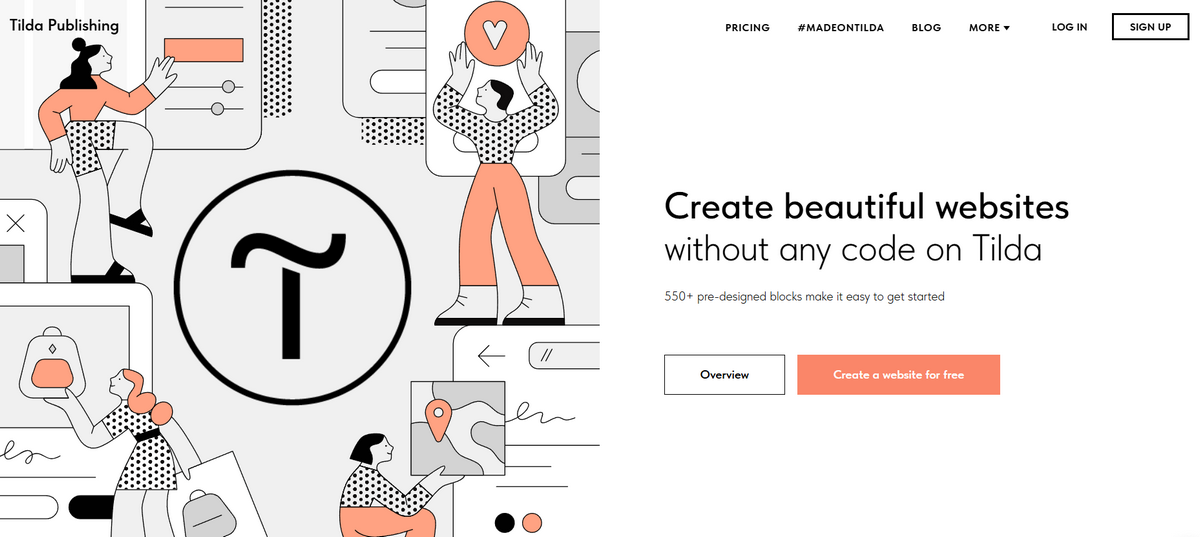
Tilda is one of the free no code platforms available in the market. If you need an MVP landing page, a brand storytelling page, or a one-page website with fully functional elements such as a contact form or payment, this could be a valid solution for you. It is a relatively small yet fast and efficient at handling mid-sized projects.
The visual editor includes features such as narrative layouts, templates, fully optimized structures, 550+ pre-designed blocks, strong typography, and integrated business and marketing tools, including PayPal.
Typedream
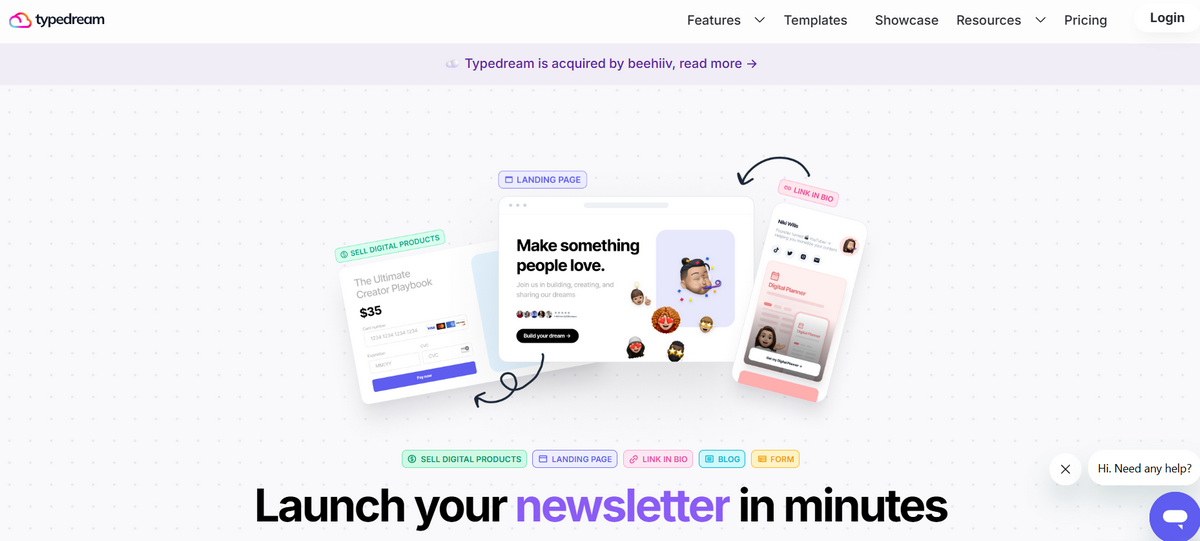
Speaking of narratives and storytelling, Typederm is a great representative of no code platforms with AI assistance that bring your creative stories to life and deliver an engaging, enjoyable, and meaningful user experience centered on the content. It offers an intuitive block-based visual editor with essential functionality. If you are a startup in need of creating docs or shipping marketing pages fast, it is the optimal solution.
Unicorn Platform
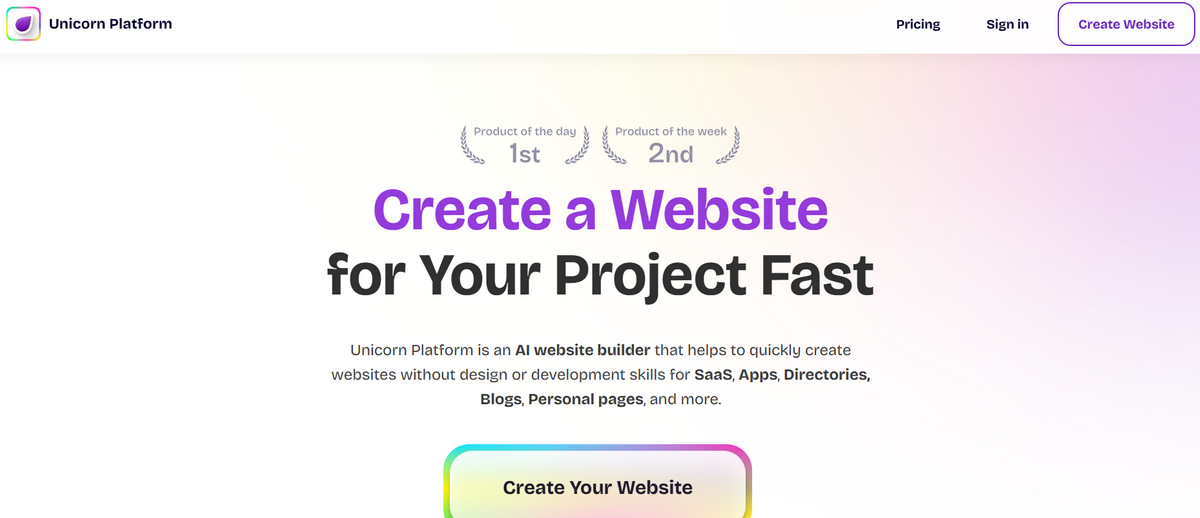
Promoted as a template-driven no-code website builder, Unicorn is one of the best options for launching ideas, products, landing pages, and SaaS marketing sites without much custom work or design. The key feature of the platform is an AI-powered content generator that accelerates project development and deployment. It is great for testing ideas, doing split testing, examining market reaction, and running simple marketing campaigns to generate traffic.
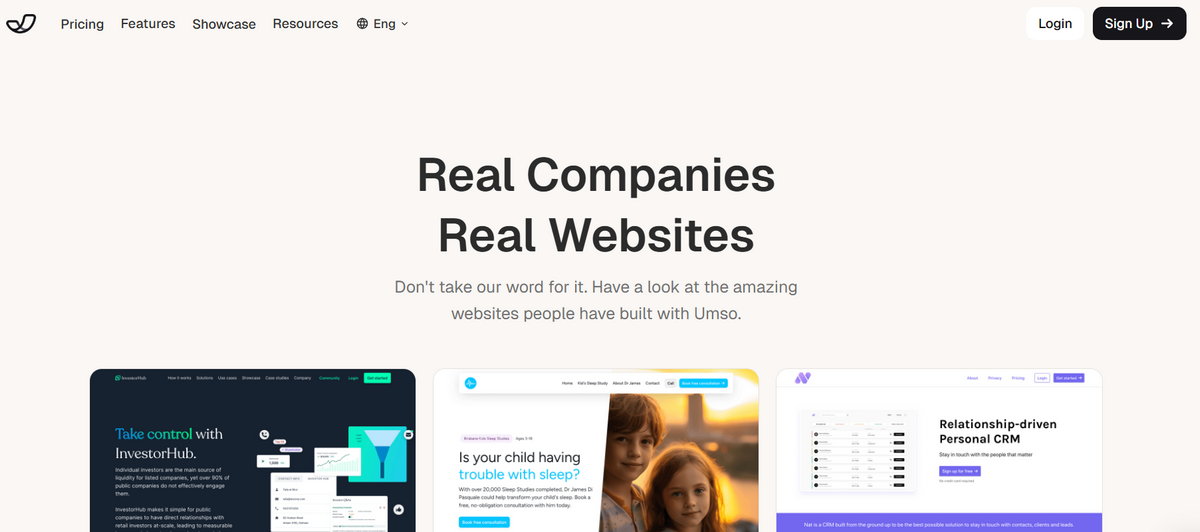
Umso AI
The dev team behind Umso strongly relies on artificial intelligence and machine learning. They have provided users with an intuitive page generator that harnesses modern technologies for quick launches and releases. Startups, solopreneurs, and artists might quickly create minimum viable product pages, layouts, sections, and even copy with just the right prompt.
Although the framework lacks some serious features and third-party integrations, prioritizing simplicity, it is still perfect for crafting simple websites with decent design and brand styles.
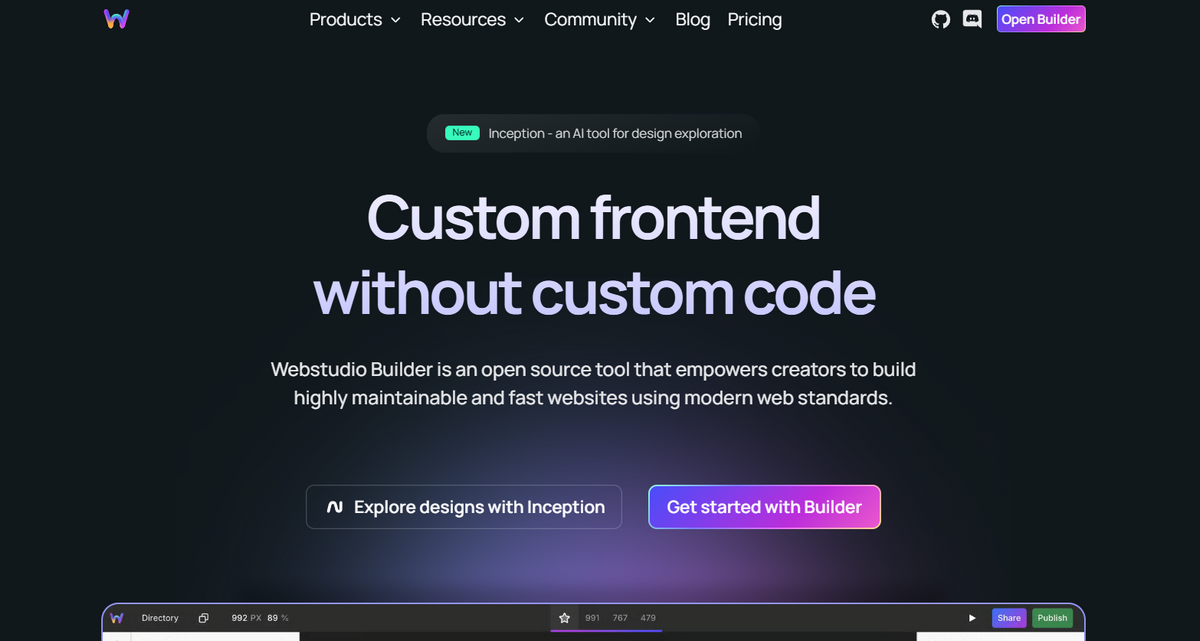
Webstudio
Webstudio is one of the simplest yet most effective open-source no code tools for startups without coding skills or experience. It comes with an essential arsenal of instruments for building fast-loading, stylish, branded, and meaningful sites that meet web standards, laws, and regulations. With hosting options, it is a perfect fit for fast launching and testing.
Apart from that, the platform offers a flexible, scalable, and developer-friendly environment, so technically savvy teams can take websites to the next level.
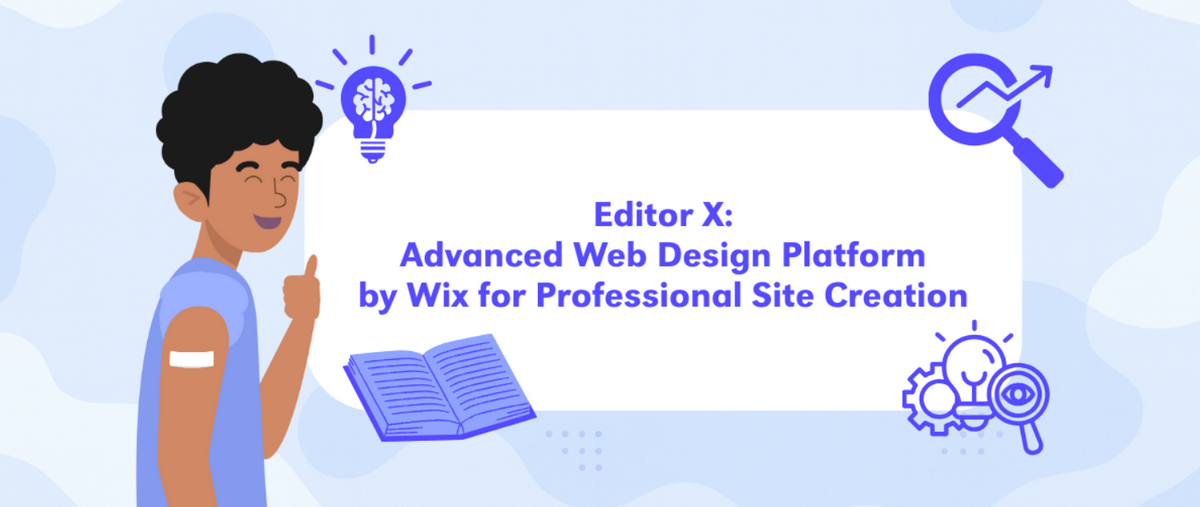
Editor X
Combining an intuitive visual editor, easily customizable assets, and powerful functionality, Editor X has carved a niche in the category.
From multi-user collaboration to precise design control and animations, it encourages users to let their imaginations run wild and bring their ideas to life, resulting in aesthetically pleasing, functional, and fully optimized websites. It has great potential; though, it should not surprise you, as the Wix team designed it. It is considered Wix's pro-grade option, available for those who need complex, responsive layouts.
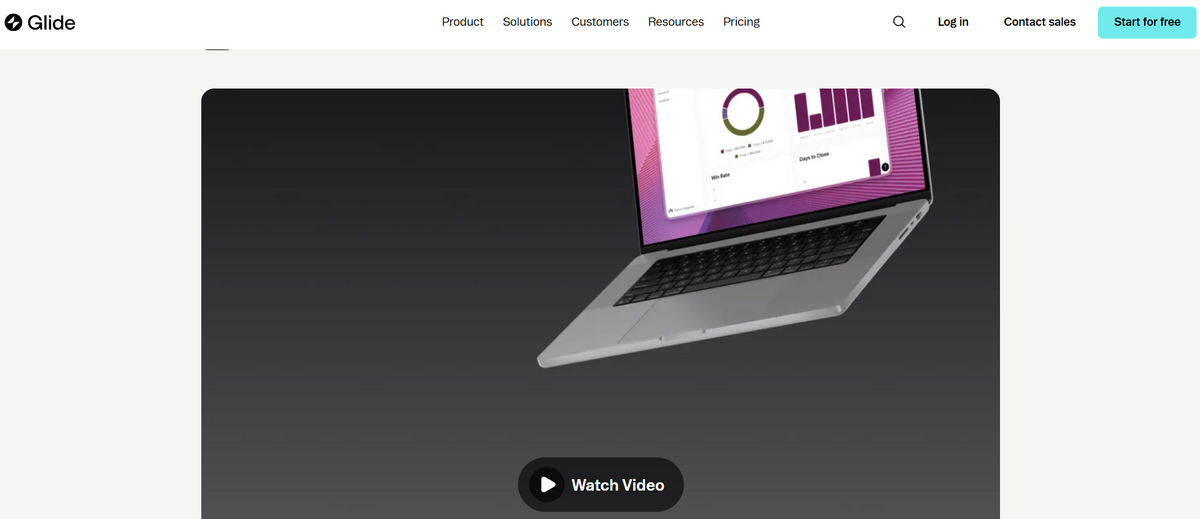
Glide Pages
Seek a solution for lightweight yet feature-rich and fully optimized web applications for business operations or logistics? Then you should certainly consider Glide Pages.
Glide Pages was designed to meet marketing and branding needs, offering essential functionality for launching MVP pages or creating directories within hours. Its distinctive feature is that it works with structured data: it pulls data from spreadsheets such as Excel or Google Sheets and turns them into functional web applications that look great across devices and operating systems.
Adalo
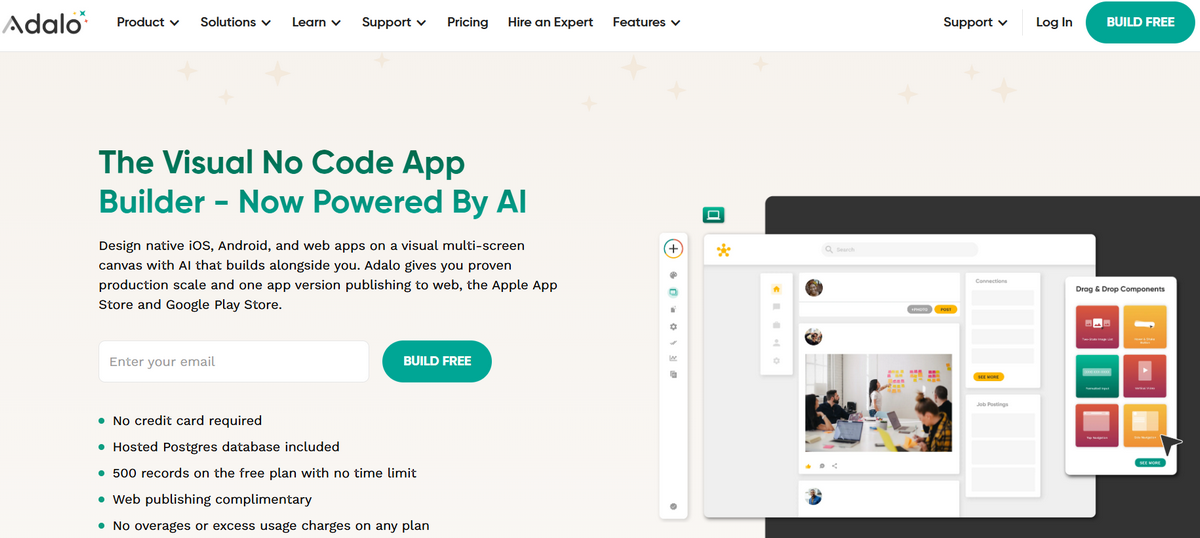
Do you need a native iOS or Android application built in hours, without coding? Then Adalo is the ultimate stop. It offers a simple, intuitive environment for transforming your idea into a digital product with a visually pleasing design, basic functionality, and an enjoyable user experience. Among its main features are: built-in database, built-in logic, and an extensive component marketplace.
Bravo Studio
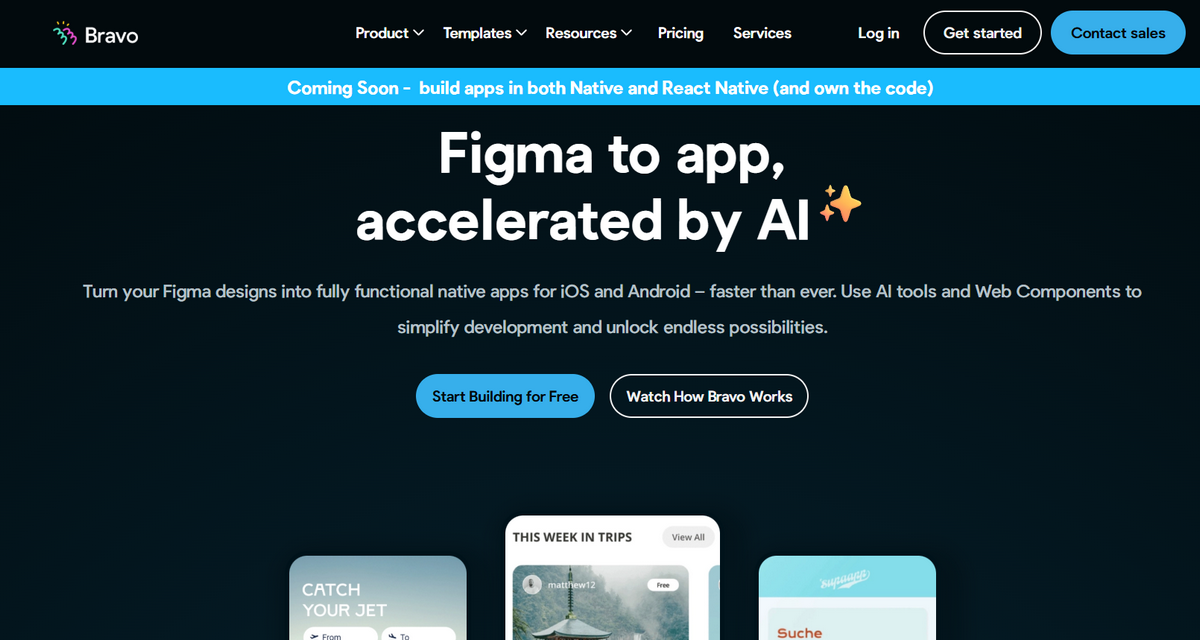
Shipping your vision without building everything from scratch is not just a dream; it is a reality with Bravo Studio. This professional no code platform was designed to convert Figma or Adobe XD designs into fully functional, responsive, optimized, and interactive iOS and Android applications.
Among its main features are direct publishing to app stores, support for native device features, and intuitive connection to databases like Airtable and Xano.
Notion Sites
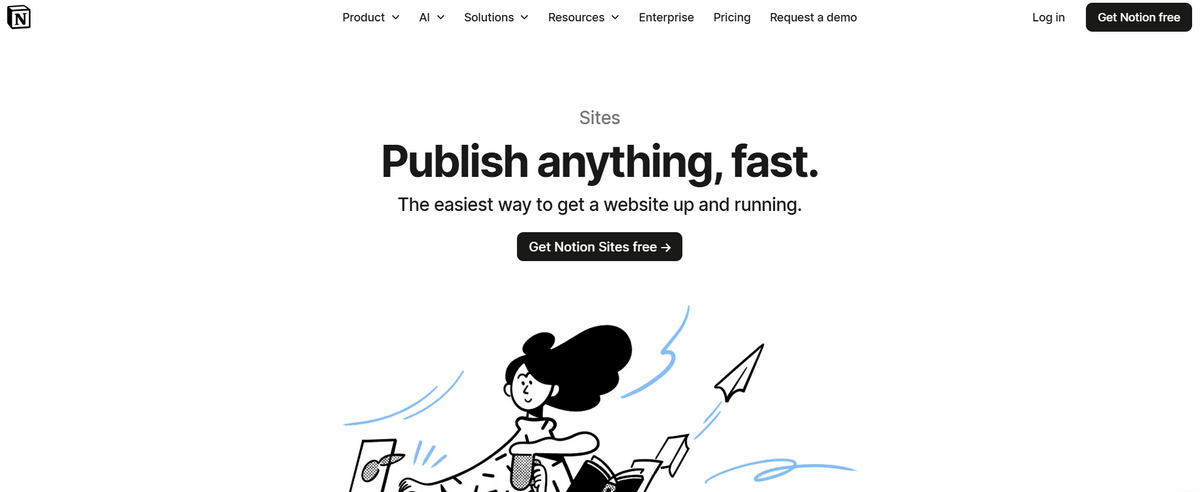
The Notion Sites generator was developed to help users who actively use Notion Pages (a platform for managing projects or building databases with various types of data, such as multimedia or structured information) turn their projects into live prototypes. It allows clients to create and publish functional, simple yet effective websites directly from the workspace, saving them time, money, and resources.
Canva Websites
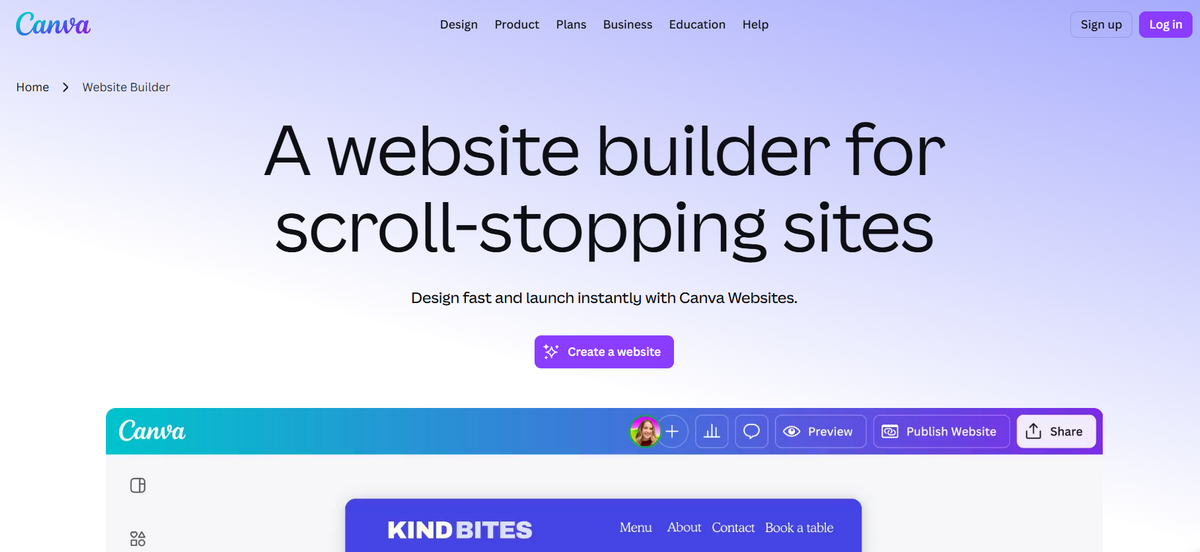
Last but certainly not least. Much like Wix or Squarespace, Canva has been with us for ages, occupying its solid position in the market. It has its own market segment and is known for its intuitive visual editor, which lets you shape your ideas without design or coding skills.
Although it is not as powerful as the top three on our list, it is still one of the best no code tools for creating visually appealing, functional, fully optimized sites, marketing web projects, and promo pages.
Real Use Cases for No Code Tools for Website and Web Applications
No code platforms for building websites and web applications have become integral instruments for businesses across niches. They have provided startups, solopreneurs, and growing companies with reliable tools to launch products faster, iterate between releases, test services, run marketing and branding campaigns, and reduce deployment costs. Here are several use-case scenarios that demonstrate the technique's validity.
Portfolio and personal brand sites
Creative portfolios, galleries, blogs, personal brand sites, startup sites, and some small corporate portals are the primary use cases, as no-code website builders were designed specifically to meet the needs of such projects. No code platforms offer all the essentials, including fully responsive layouts, content presentation structures, basic functionality such as contact forms, and branding elements, to craft small yet effective web solutions.
Marketing and landing pages
Marketing and landing pages are another huge area where no-code website builders prove their validity, as these projects are usually non-pretentious in terms of functionality, requiring only the basic interactivity, integrations, and communication methods.
Whether you use multipurpose solutions like WIX or specific ones like Bravo Studio, they offer everything you need to launch pages fast, test hypotheses, conduct experiments, track key metrics, and iterate based on conversions, traffic, and preferences.
Startup MVP websites
MVP websites are stripped versions of fully-fledged service websites or product pages. They are created to validate business hypotheses, assess key factors such as pricing or onboarding flows, and gather initial reactions from the target audience; therefore, they do not require extensive functionality, making a no-code website builder a perfect tool for realizing the project, accelerating the launch, and minimizing development costs.
Online communities and membership sites
As no-code website builders have become more sophisticated, they have begun to offer non-tech-savvy teams additional functionality, opening the door to more complex projects such as online communities or membership sites with gated content, subscriptions, cohorts, and payments.
Not only do the big names like WordPress and Squarespace provide all the essentials, but other players in the arena do as well.
Internal tools and client portals
Client portals and internal tools are another area where sophisticated AI-powered no-code web app builders unlock their potential. They offer dashboards, request forms, client-access areas, and native integrations with other services such as CRM, Stripe, or Google Sheets.
How to Choose the Right No-Code Website Tool?
Spread across five categories, no code tools for building websites and mobile applications come in all shapes and sizes to meet diverse client requirements. From creating a simple page to an information-packed landing page to a complex web application, you may find a solution to your problem. However, how do you make the right decision? Professionals recommend considering the goal, complexity, scale, and budget, and choosing the solution that best meets these parameters. Here are several basic steps for doing that.
Define your website type
The first step is to determine what kind of website you need. Do you need a website to represent your company online, a landing page to give a boost to the product, a web application to reach the target audience, a portal to communicate with clients, or a blog to generate organic traffic?
Set your brand goals and marketing targets. Depending on your objectives, you may decide on the category (traditional web builder, app web builder, CMS, landing page, or AI tool), then browse it to compare and contrast available options.
Evaluate technical complexity
After deciding on the category, the next step is to narrow down your choice. Listing essential features that you need to bring your idea to life is crucial. Do you need authentication, secure storage, payments, logic, database, verification, and all sorts of integrations?
At this stage, it is tempting to go overboard, but it is crucial to resist. Professionals recommend creating a simple yet solid system that provides essential functionality, and only then gradually increasing its potential. Therefore, select options that let you create a basic web page and add features one at a time to maintain efficiency.
Consider growth and scalability
The third step is to take a glance at the future. It is crucial to consider growth and scalability, as the website you want to create must accommodate your future needs and support you at every stage of the life cycle.
Ask yourself, do your startup and website need multilingual support, team collaboration, security access and permissions, payments, portability, export options, or CRM integration? These tiny yet integral features that support the company's growth might significantly influence the website; therefore, they must be taken into consideration.
Budget and pricing
Budget and pricing are vital steps in decision-making. For many startups, they are decisive factors. Therefore, it is crucial to include them in discussions with your stakeholders when deciding on no-code website builders.
At this point, your goal is to create a clear financial picture. Consider every tiny detail, such as subscription tiers, add-ons, integrations, templates, and all premium services and paid resources. The rule of thumb is to pay more when the tool replaces the time spent on engineering.
Test before committing
Last but not least. Testing is consistently overlooked in the decision-making process, ultimately costing startups extra money and time.
Whatever perfect no-code website builder might seem to you, your prototype must be double-checked and tested to meet web standards, laws, and regulations. At minimum, check such factors as speed, responsiveness, accessibility, usability, flexibility, and the ability to be published on your terms. Professionals recommend creating an oversimplified prototype with one critical feature and giving it a thorough inspection.
Conclusion
No-code website builders took the web by storm almost a decade ago, becoming lifesavers for startups and small companies. Today, they meet most clients' needs for corporate websites, minimal-functionality blogs, landing pages, MVP projects, and small mobile applications. Providing an intuitive visual interface and essential functionality that non-tech-savvy users can handle, they save precious time, money, and resources, giving businesses a necessary boost.
No-code website builders come in all shapes and sizes. They meet popular requirements, constraints, and standards across marketing, advertising, and branding. When deciding on the solution, it is crucial to give it thorough thought. Select the right category based on your ultimate goal, shortlist several options that satisfy your requirements, create a basic prototype, and test it against various criteria and web standards to ensure it provides a solid foundation for your endeavors.
Mar 11, 2026

Creates insightful, strategy-driven content that translates complex design and branding concepts into accessible knowledge, supporting Ramotion’s mission to elevate digital experiences.